
Behind the CAPTCHA: An S3-Hosted Outlook Credential Phish
Published 11 min read
Contents
TL;DR — A recipient-specific URL on
test.childrenscancer[.]orgled to a local math challenge, then an Amazon S3 page carrying a Base64-encoded Outlook Web App clone. The loader creates a browser-localblob:document. Inside that document, the sign-in button collects an email address, username and password for a JSON POST toxsapz[.]com/ar/owa.php. A basic HTTP client received a Bing diversion instead of the S3 redirect. This is credential-harvesting phishing; we found no evidence of token interception or an MFA bypass in the recovered source.
About this analysis. PhishEye inspected the supplied URL on 10 September 2026 using read-only HTTP requests and offline source decoding. We retrieved the gate, two different next-stage responses, and the S3 loader. We did not execute the recovered scripts, submit credentials, contact the collection endpoint, or open the final Google Drive file. Runtime behavior described below is derived from source unless explicitly identified as an HTTP observation. Recipient details are redacted and suspicious indicators are defanged. This is an analysis of one specimen, not a claim of a newly discovered technique or attribution to a named threat actor.
Screenshot method. The page screenshots below are offline reconstructions from the captured HTML, with scripts and event handlers removed and browser network requests blocked. We set the visible states manually, use an example math sum, and replace the recipient with
[email protected]. Two referenced branding images were retrieved separately for rendering. The redirect and collection panels visualize captured source evidence; they are not screenshots of Bing, the collection server or the Google Drive file.
A security check that leads to a fake mailbox login
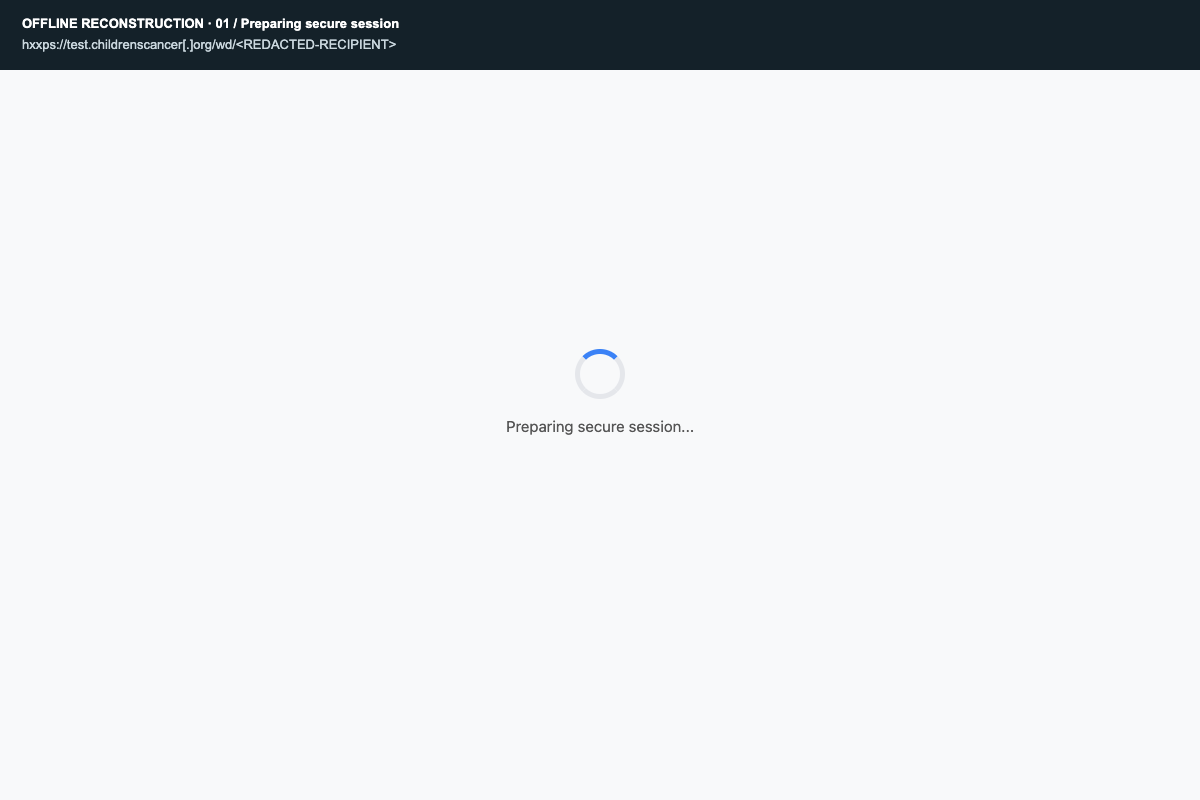
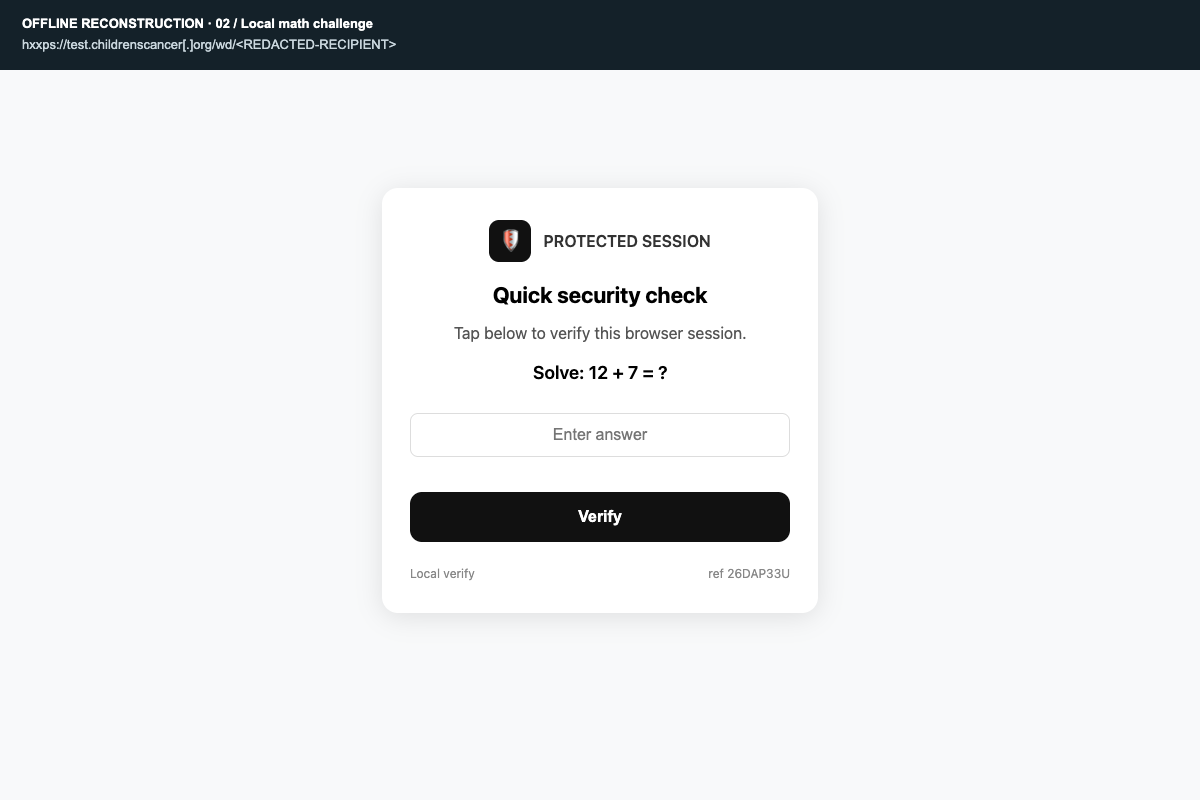
The supplied link begins with a subdomain under a cancer-related organization domain. It does not initially resemble a Microsoft sign-in page. Its first response is a page titled “Confirm you are human,” with a short waiting screen and a math challenge.
Following the next URL with a browser-style user-agent exposed a different destination: an Amazon S3 object. That object contains an encoded login page, and decoding it reveals Outlook branding, a document-opening pretext, a password field, and a credential collection endpoint outside Microsoft infrastructure.
Those connected artifacts establish the phishing purpose. A CAPTCHA, Base64 string or S3 URL alone would not.
The investigation does not establish how the initial subdomain came to serve this content. A compromised website, an abused hosting account or another configuration problem would require evidence from its operator. Nothing here attributes the attack to the organization named in the domain.
The redirect chain
- Recipient-specific entry:
hxxps://test.childrenscancer[.]org/wd/<BASE64-RECIPIENT>returns HTTP 200 and a JavaScript-driven math gate. - Gate continuation: the same path with
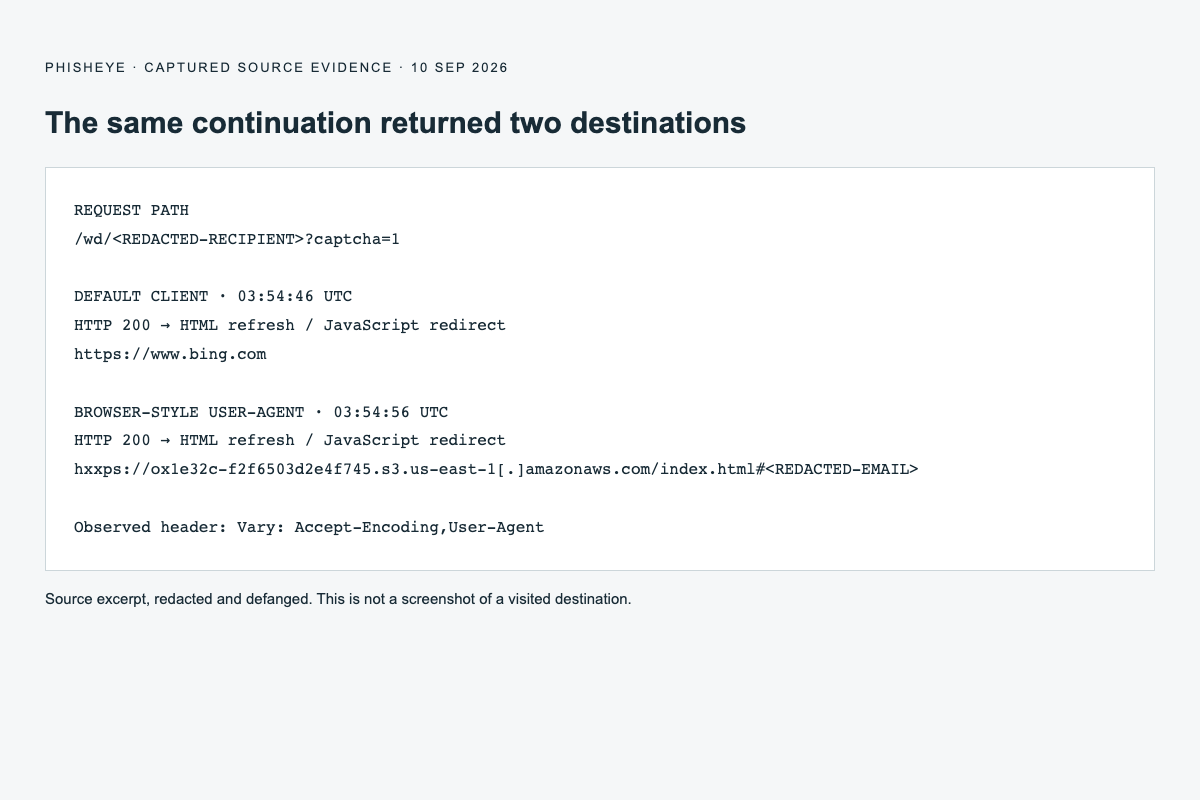
?captcha=1returns HTTP 200 containing a meta refresh andwindow.location.replace. With the basic client, these point to Bing. With a browser-style user-agent, they point to the S3 object below. - Payload hosting:
hxxps://ox1e32c-f2f6503d2e4f745.s3.us-east-1[.]amazonaws.com/index.html#<REDACTED-EMAIL>carries the encoded page. The retrieved object was 61,104 bytes. - Browser-local page: the loader's source decodes the HTML, creates a
Blob, appends the recipient email as a fragment, and navigates to that object URL. - Credential collection: the decoded login source attempts to POST credentials to
hxxps://xsapz[.]com/ar/owa.phpwhen the sign-in button is activated. - Planned exit: the source includes a later redirect to a particular Google Drive file. We did not retrieve that file or verify this exit in a live browser.
The first two responses are HTML redirects, not HTTP 301 or 302 redirects. A tool that only follows HTTP Location headers would stop at a successful-looking HTTP 200 response and miss the next destination.
The math gate checks only its own page
The recovered gate source contains five visual templates. After a 2.5-second delay, it randomly selects one and generates two integers: one from 6–20 and another from 4–15. It asks the visitor to add them.
The answer is checked locally in JavaScript. After a correct answer, another 1.4-second delay precedes navigation to the URL with ?captcha=1. No answer or challenge token is included in that continuation URL. Our direct request to that URL also returned a next-stage response without solving the challenge.
The visible mechanism therefore creates interaction and delay, rather than demonstrating a server-validated CAPTCHA. It can obstruct tools that neither execute JavaScript nor follow page content. The security language also encourages the visitor to treat the transition as routine verification.
This is not the ClickFix behavior seen in some fake-CAPTCHA attacks: the recovered gate does not instruct the visitor to paste or execute a system command.
One URL, two destinations
At 03:54:46 UTC, the continuation request using the client's default user-agent received an HTML redirect to https://www.bing.com. At 03:54:56 UTC, a request for the same URL using a Chrome-style user-agent received an HTML redirect to the S3 object. Both responses advertised Vary: Accept-Encoding,User-Agent.
This is consistent with user-agent-sensitive filtering or cloaking. However, these were sequential observations, not repeated controlled trials: timing, server state or another unobserved condition could also contribute. We can establish different responses under the two request profiles, but cannot reconstruct the server's decision logic.
The practical consequence is clear: a benign destination observed by one client does not explain the entire link. Microsoft has documented CAPTCHA-based phishing flows that can divert analysis to legitimate pages. That supplies context for this behavior, not evidence that this specimen belongs to the campaigns Microsoft described. Microsoft Threat Intelligence.
The email travels with the victim
The final path segment in the original URL is Base64 encoding of an email address. Base64 is reversible encoding, not encryption. We omit both the address and its encoded form because either would identify the recipient.
In the browser-style redirect response, the email appears after # in the S3 URL. The S3 loader reads that fragment, validates its shape, and carries it into the generated blob URL. The decoded login page reads the fragment again, stores it in window.email, and uses it to populate an email field.
URL fragments are handled by the client and are not sent as part of the HTTP request to the destination server. They remain accessible to page scripts, however. Here the collection code explicitly includes the extracted email in its outbound data. MDN: URI fragments.
This supports recipient personalization. It does not prove that the mailbox was compromised, that the recipient clicked the link, or that the wider campaign targeted only that organization.
Amazon S3 delivers the wrapper; a blob contains the login page
The S3 response returned HTTP 200 and identified itself as AmazonS3. Its Last-Modified header was 9 September 2026 at 06:35:08 GMT. That timestamp describes the retrieved object's last modification, not the campaign's start date or the bucket's creation date.
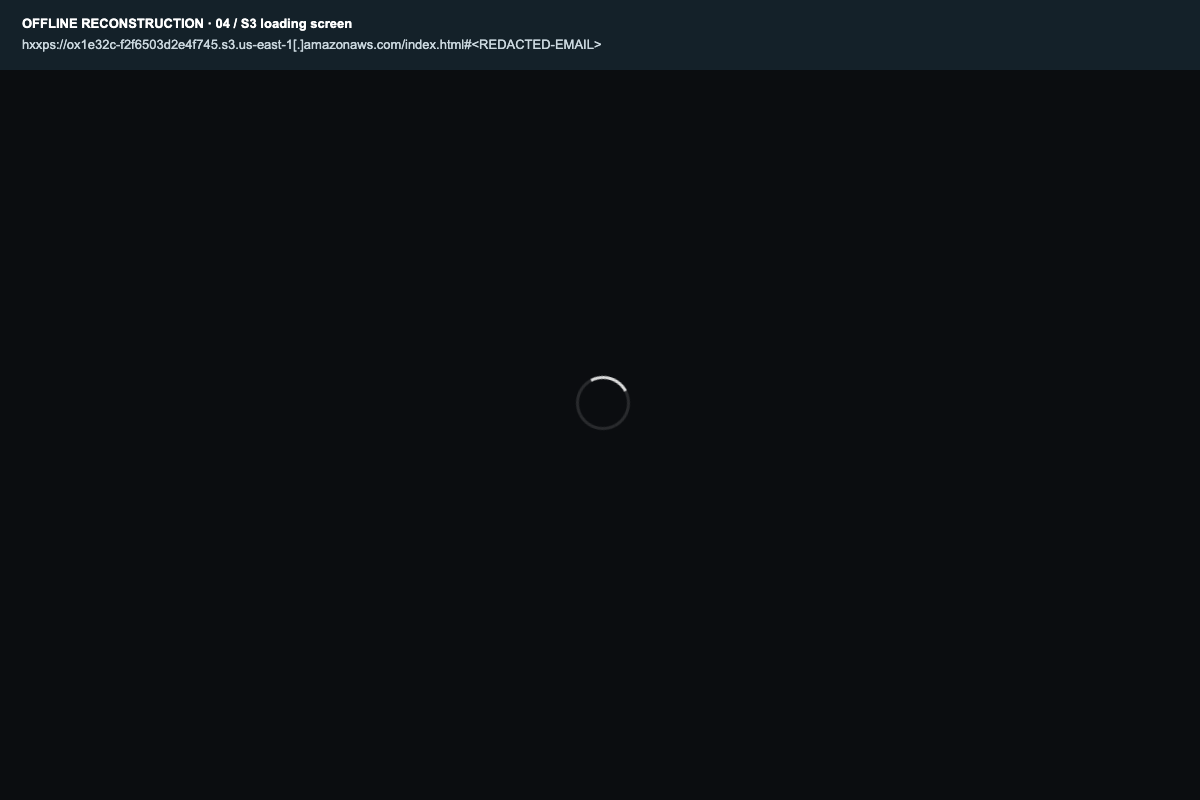
The visible wrapper is a loading screen. Its source contains pageBase64String, which decodes to an Outlook Web App imitation. It uses new Blob, URL.createObjectURL and location.replace to display that document after a minimum loading period of 900 milliseconds.
A blob URL references browser-managed data. It is not a new attacker-registered domain or proof that a page is safe. In this specimen, the approach keeps the readable login HTML out of the outer page's plain markup until it is decoded. Tools can still analyze the embedded payload offline, as we did. MDN: blob URLs.
The S3 hostname is hosting infrastructure for this specific object. It does not make Amazon responsible for the phishing operator's actions, and blocking the entire shared S3 service would be unnecessarily broad.
The Outlook clone invents an expired session
The decoded HTML contains an Outlook-branded overlay that progresses through starting and document-opening states before showing a session-expired message. Its purpose is to connect an expected document with an unexpected request for credentials: the visitor is told to sign in to continue.
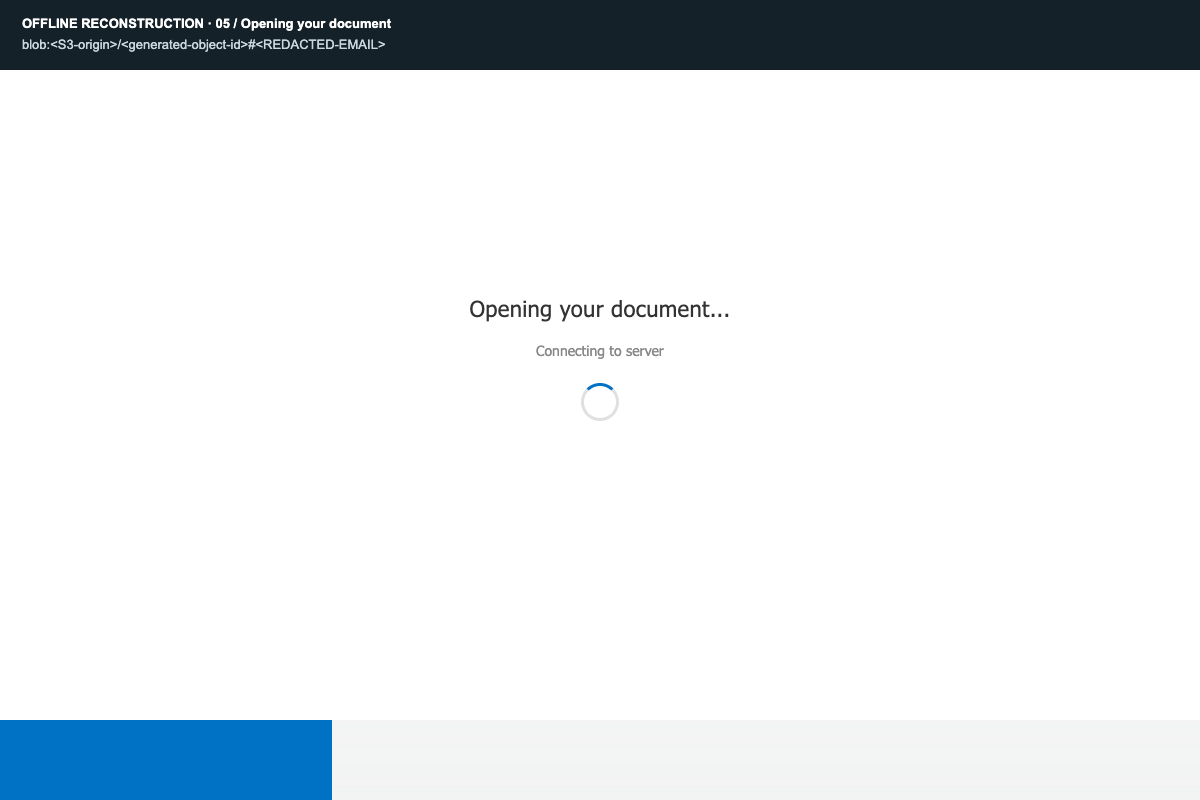
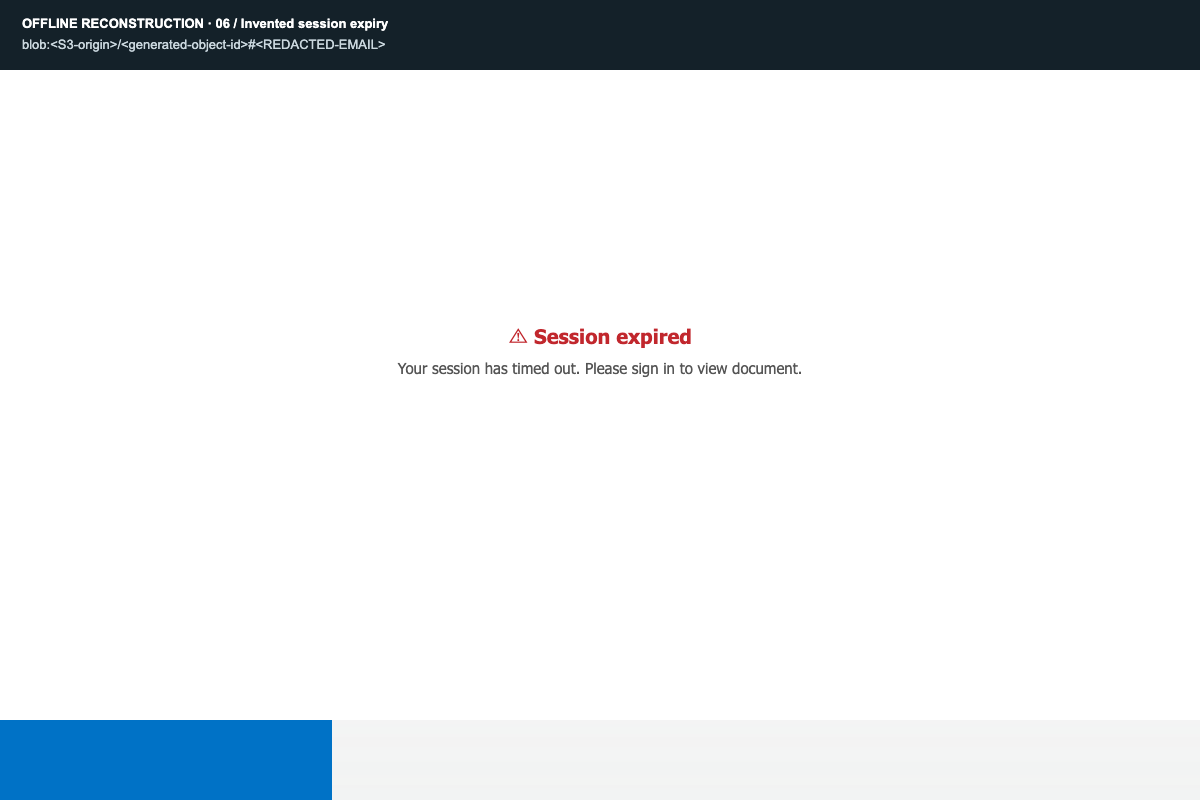
The form imitates an older Outlook Web App interface. Several branding images are referenced under tahabil[.]com/vendor/doctrine/media/. Two referenced PNG images were retrieved separately to render the offline screenshots. We did not establish control of that host.
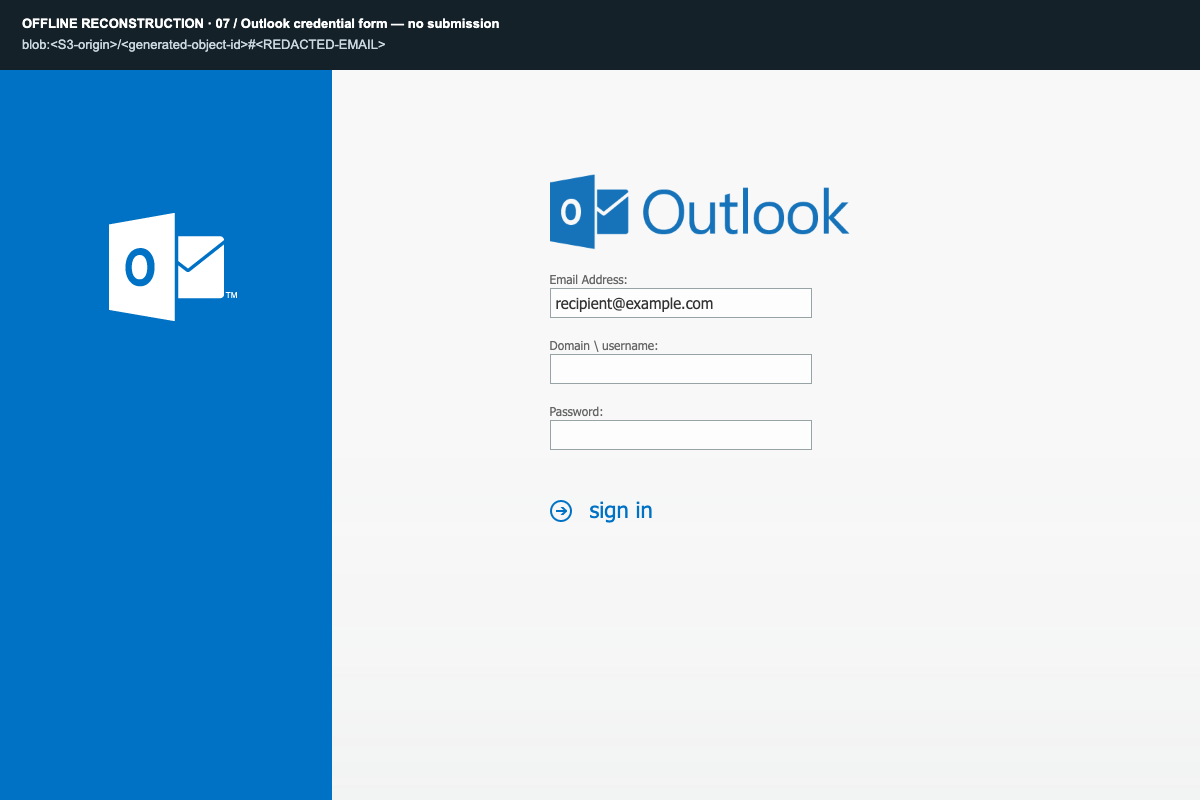
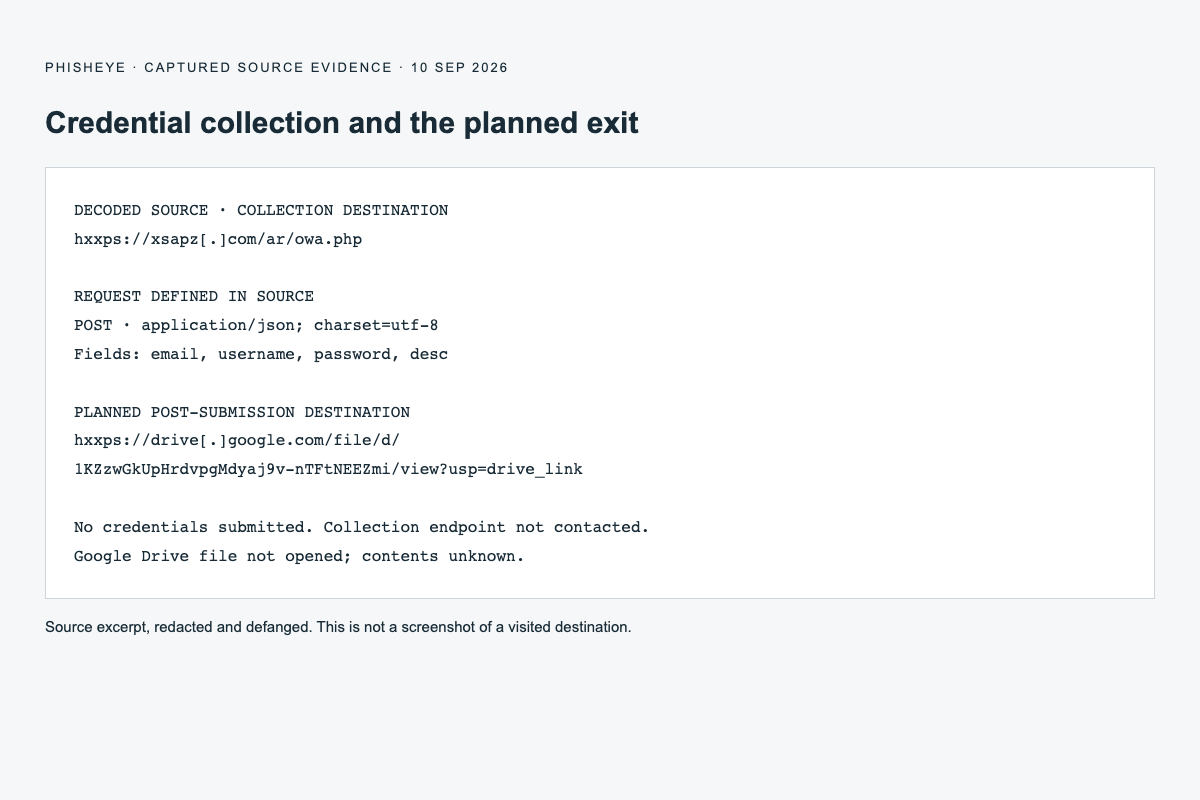
The sign-in handler builds a data object containing email, username, password, and a description identifying the contents as Outlook login details. It passes that object to a function that makes a JSON POST to xsapz[.]com/ar/owa.php.
The submission code is separate from a delayed display of a wrong-password error. The source intends to show an error on the first attempt and eventually display a completion message before navigating to Google Drive. That display does not depend on a successful Microsoft authentication response.
There is also an implementation detail that limits predictions about the exact interaction: the button function attaches a new submit listener whenever it runs. Repeated clicks can accumulate listeners, so the intended two-attempt experience is not guaranteed to unfold cleanly.
We did not test collection. Because the code makes a cross-origin JSON POST, browser CORS preflight and the endpoint's response configuration can affect whether credentials actually reach it. The source establishes an attempted credential-harvesting design; it does not demonstrate successful theft in our investigation.
What kind of phishing is this?
Classification: multi-stage Outlook credential phishing with a human-interaction gate and encoded browser-local delivery.
The retrieved code supports password collection, recipient personalization, and a document-access lure. It does not show a Microsoft OAuth device-code flow, a live authentication proxy, session-cookie theft, or a mechanism that defeats MFA. There is no basis here to name a phishing kit, assign a threat actor, estimate victim counts, or claim a specific mailbox was accessed.
For comparison, our device-code specimen concerns authorization through Microsoft's real sign-in flow. This specimen presents a fake form and attempts to send what the visitor types to a separate collection server.
Indicators and evidence
All suspicious URLs below are defanged. Roles matter: a source-code reference is not equivalent to an observed network request or proof that an entire domain is malicious.
| Indicator | Role and confidence |
|---|---|
test.childrenscancer[.]org/wd/<BASE64-RECIPIENT> |
Observed entry page and math gate; recipient token withheld. |
Same path with ?captcha=1 |
Observed continuation returning different HTML redirect destinations. |
ox1e32c-f2f6503d2e4f745.s3.us-east-1[.]amazonaws.com/index.html |
Retrieved loader containing the encoded phishing page. |
xsapz[.]com/ar/owa.php |
Credential POST destination in decoded source; not contacted. |
tahabil[.]com/vendor/doctrine/media/ |
Branding asset references; two PNGs fetched for offline screenshots. |
www.bing.com |
Observed benign diversion target; not a malicious-domain indicator. |
Google Drive file ID 1KZzwGkUpHrdvpgMdyaj9v-nTFtNEEZmi |
Planned post-submission destination in source; file content uninspected. |
SHA-256 of the original 61,104-byte S3 response body:
47a3481602b6c29ab23bbbeb2578477b6ab5e3148c7e905e79737f4ea49c05cd
SHA-256 of the original 9,086-byte entry response body:
2c1e69baf7f173adf5b7950116bcbc0fff6a8ad632d0274f8257f95081eb7e7a
These hashes identify captured bodies, not every possible response from those locations. Rotating content or a later edit can produce different hashes.
What defenders can act on
Search the whole chain. Look for the specific entry path, S3 object hostname and collection endpoint in relevant email, proxy and endpoint telemetry. An HTTP 200 or a final Bing destination alone should not close the investigation. Combine infrastructure matches with the gate and payload behavior to reduce false positives.
Preserve personalized URLs privately. Retain the original message, full URL, headers and timestamps in restricted incident records. Redact recipient tokens in public reporting. Do not assume Base64 anonymizes a mailbox.
Separate viewing from credential entry. A visit establishes exposure, not account compromise. If credentials were entered, reset the affected password through the organization's genuine portal, revoke applicable sessions, and review sign-in activity and mailbox changes under the organization's incident-response process.
Report the specific abused resources. Provide the entry-site administrator and the relevant hosting providers with the exact paths, capture times and evidence. Include the S3 object and collection endpoint as distinct resources. The legitimate Drive and Bing services should not be treated as malicious in their entirety.
Teach the transition that matters. A document link that moves through an unrelated website, a verification gate and a cloud object before requesting a mailbox password deserves independent verification. Open the mailbox or document service from a known bookmark instead of trusting the sign-in page reached through the message.
What remains unknown
We have not inspected the originating email, so its sender, subject, delivery controls and full social-engineering story are unknown. We have not established the initial host's compromise mechanism, the collection server's owner, whether the endpoint accepts browser submissions, or the contents of the final Drive file. No victim impact or successful exfiltration was observed.
The supported finding is narrower and reproducible: the supplied link served a gate whose continuation exposed an S3-hosted, encoded Outlook credential harvester under a browser-style request profile. That is enough to explain the phishing mechanism without inventing attribution or a successful compromise.