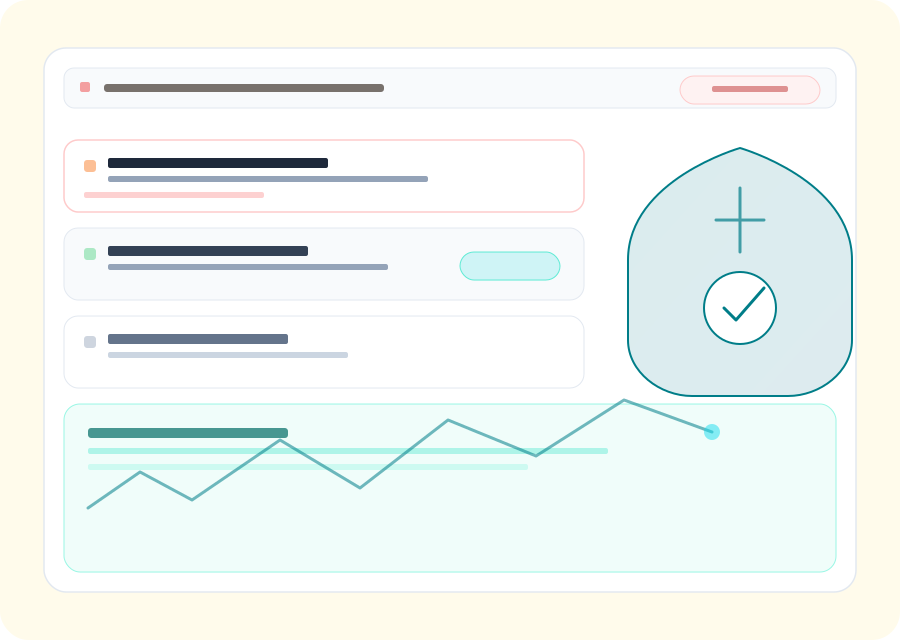
PhishEye connects discovery, investigation, evidence, ownership, and follow-up for phishing takedown service. Teams can use the same operational record to prioritize customer-visible risk, coordinate with providers, and measure progress from first detection through mitigation instead of treating each alert as an isolated event.
Detection to removal
Coverage areas
Domains, social, app stores (scoped to your program)
Delivery
Platform workflows + optional managed services
Outputs
Prioritized queues, evidence, takedown tracking
Coverage
Threat patterns programs typically monitor
Programs are tuned to your marks and channels; the list below reflects common categories teams prioritize.
Credential-harvest phishing pages
Pages mimicking your login, MFA, or account-recovery flows — scored by content fingerprint and proximity to real auth surfaces.
Brand-spoofed checkout and support flows
Fake clearance portals, spoofed order-status pages, and scam customer-service hubs that hit revenue and NPS directly.
BEC and wire-fraud lure infrastructure
Domains and pages staged for business email compromise — registered ahead of the campaign, used briefly, then rotated.
Smishing and SMS-driven campaign clusters
Short-lived hosts referenced in SMS lures — patterns that web-only telemetry misses without SMS-feed correlation.
Multi-channel campaign correlation
How one campaign uses email, SMS, ads, and social in parallel — clustered into one case so analyst work doesn't duplicate.
Recycle attacks after first takedown
The same kit returning on a new hostname within hours — tracked and re-enforced on the original case timeline.
What a phishing takedown involves
Four stages decide whether a fake site comes down in hours or lingers for weeks. Each one is a place where takedowns commonly stall.
1. Find the phishing site
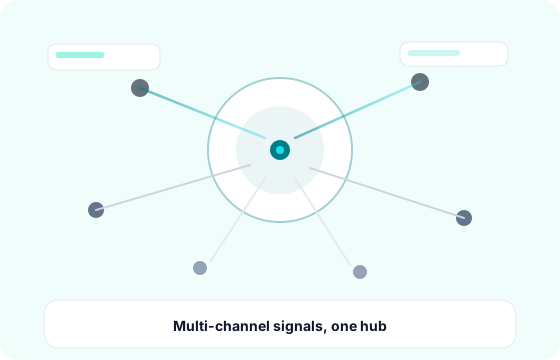
You cannot take down what you have not found. Lookalike domains, cloned login pages, and phishing kits are discovered through certificate transparency logs, domain registrations, URL scanning, and reports from your own customers. Speed matters here: most phishing sites do the bulk of their damage in the first hours, before any blocklist catches up.
2. Confirm it and build the evidence
Providers act on proof, not assertions. A takedown request that gets fast action includes the exact URL, timestamped screenshots of the credential form, the hosting and registrar records, the trademark or brand basis for the complaint, and where possible the kit or exfiltration endpoint behind the page. Weak evidence is the single most common reason a takedown request is ignored or bounced back.
3. Report to the right party
The correct recipient depends on the infrastructure. Registrars can suspend a domain; hosting providers can pull the content; CDNs and reverse proxies can stop fronting it; browser and email blocklists such as Google Safe Browsing can neutralize reach even while the page stays up. National CERTs and payment providers matter where fraud is involved. Sending one generic complaint to the wrong desk is how a takedown loses days.
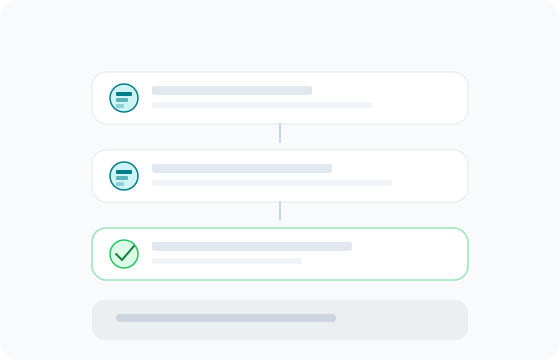
4. Confirm removal, then watch for the rebuild
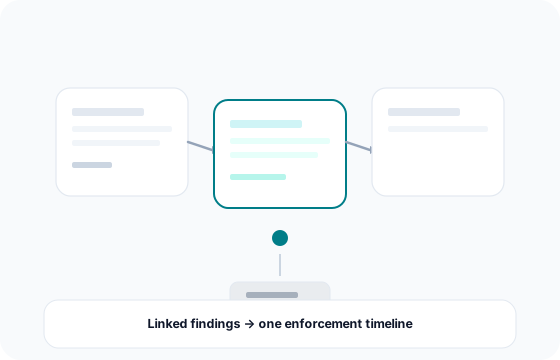
A takedown is not finished when a ticket is closed - it is finished when the page is gone for the customers who were being targeted. Operators frequently rebuild on a new hostname, a new gateway, or the same kit with a different path. Tracking recycle events against the original case is what turns a one-off removal into an actual reduction in exposure.
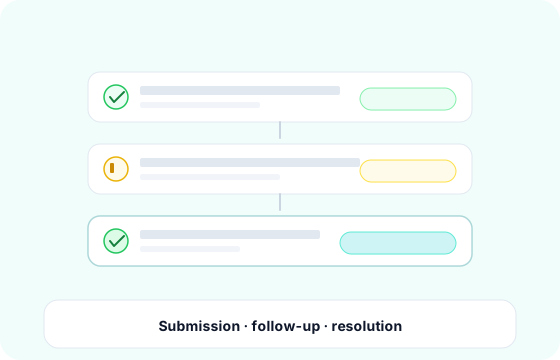
How long does a phishing takedown take?
It depends almost entirely on the provider, not on the complaint. Cooperative hosts and mainstream registrars often act within hours of a well-evidenced request. Bulletproof hosts, privacy-shielded registrars, and providers in slower jurisdictions can take days or weeks, and some never respond at all.
That variability is why the useful metric is median time to removal across your real portfolio rather than a single best-case number in a sales deck, and why containment matters alongside removal. Getting a page onto browser and email blocklists cuts off most victim traffic even while the host is still deciding.
Why some takedowns fail
Takedowns stall for predictable reasons: evidence that does not establish the brand basis, complaints sent to a registrar when the content sits with a host, abuse addresses that route nowhere, infrastructure deliberately chosen to resist enforcement, and reporting channels that are themselves broken.
Our own research has documented that last case directly. When we examined Cloudflare Drop, the abuse-reporting API that defenders rely on returned errors that blocked legitimate takedown submissions. Knowing which channels actually work, and which escalation path to use when the first one fails, is a large part of what a takedown service is for.
Takedowns at campaign scale
Serious phishing is rarely one page. Removing a single URL while the operator runs dozens more on the same infrastructure does very little for real customer exposure.
In our published investigations we have mapped fake-ticket infrastructure spanning 188 domains impersonating roughly 40 attractions, a government-impersonation phishing-as-a-service campaign across more than 90 domains, and a prize-scam network running 318 domains from a single kit. In each case the leverage came from pivoting on shared hosting, registration patterns, and kit fingerprints to find the whole cluster, then enforcing against it together rather than one URL at a time.
Managed takedown service or self-serve platform
A managed service is the right fit when you lack the in-house time or provider relationships to chase enforcement, and you want removal handled for you. A platform is the right fit when you have an internal team and want detection, evidence, and submission tracking in one place with your analysts making the calls.
PhishEye supports both models, and the honest test either way is the same: ask any vendor to show median time to removal on your own domains, the evidence bundle they actually send, and how they handle a site that returns a day later on new infrastructure.
Who this is for
Security, fraud, and brand teams dealing with fake login pages, cloned checkouts, scam sites, and executive impersonation - and anyone who has discovered a phishing site abusing their brand and needs it gone quickly, with a record they can show to leadership or a regulator.
Protect revenue and customer trust
See how PhishEye centralizes detections, evidence, and takedowns so security, fraud, and brand teams share one operational picture.
FAQs
Common questions
What is a phishing takedown?
How long does a phishing takedown take?
What happens if the phishing site comes back?
Can I take down a phishing site myself?
Ready to scope a program for your marks and channels?