
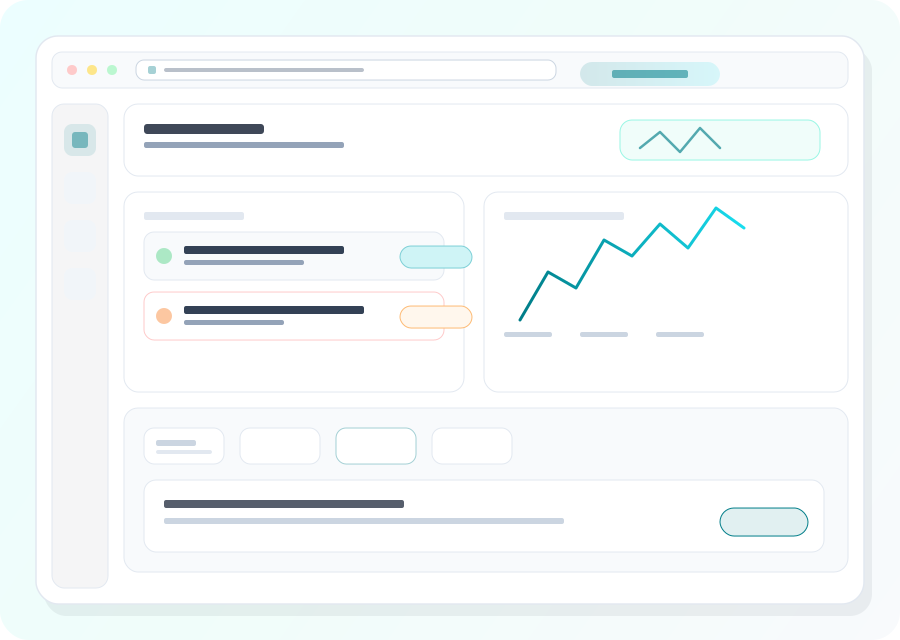
PhishEye connects discovery, investigation, evidence, ownership, and follow-up for app store monitoring and takedowns. Teams can use the same operational record to prioritize customer-visible risk, coordinate with providers, and measure progress from first detection through mitigation instead of treating each alert as an isolated event.
Coverage areas
Domains, social, app stores (scoped to your program)
Delivery
Platform workflows + optional managed services
Outputs
Prioritized queues, evidence, takedown tracking
Coverage
Threat patterns programs typically monitor
Programs are tuned to your marks and channels; the list below reflects common categories teams prioritize.
Fake apps in official stores
Listings that abuse your brand name, icon, or screenshots on Apple App Store and Google Play.
Third-party and sideload distribution
Aptoide, APKMirror, regional stores, and Telegram-distributed APKs that fall outside Apple/Google policy reach.
Counterfeit storefronts and seller fraud
Marketplace sellers and storefronts using your marks for counterfeit goods, often paired with off-platform payment scams.
Review and rating manipulation
Review-bombing of your real app or coordinated 5-star inflation on impostor listings — both shift consumer trust signals.
Permissions and metadata red flags
Suspicious permissions, developer-account history, and certificate signing patterns that mark a listing for closer review.
Store-specific reporting paths
What evidence each store actually accepts and how takedown SLAs differ between Apple, Google, and third-party marketplaces.
Detection focus
Icon mimicry, deceptive developer names, keyword stuffing, and apps that phish via in-app WebViews.
Takedown path
Align trademark references, compare legitimate bundle IDs, and submit concise infringement narratives store teams can act on quickly.
Protect revenue and customer trust
See how PhishEye centralizes detections, evidence, and takedowns so security, fraud, and brand teams share one operational picture.
FAQs
Common questions
What makes an app impersonation case strong?
How long do app takedowns take?
Should phishing teams own app abuse?
How do you reduce false positives on similar-looking or generic apps?
Ready to scope a program for your marks and channels?