
Device-Code Phishing Evasion Techniques
Published 8 min read
Contents
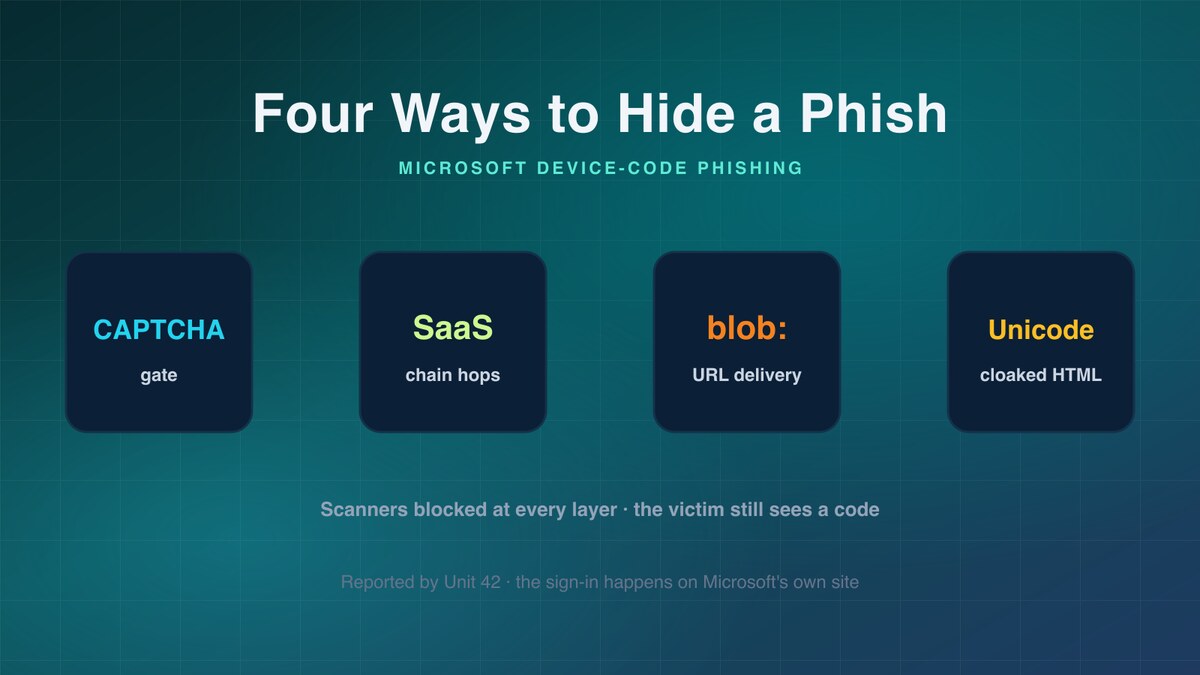
TL;DR — Unit 42 documented four evasion techniques currently running in Microsoft device-code phishing campaigns: CAPTCHA gates that block headless scanners, multi-step chains through legitimate SaaS platforms, blob-URL delivery that gives the phishing page no network existence, and source-level obfuscation using Cyrillic confusables, 93 zero-width characters, and
<bdi>tag injection. One documented chain crosses four steps and two third-party domains before the device code appears. The techniques stack across three defensive layers — automated scanning, network reputation, and content matching.
About this analysis. This is a PhishEye Threat Research summary of findings published by Unit 42 (Palo Alto Networks) on 24 July 2026. All indicators are attributed to Unit 42 and defanged. PhishEye did not observe these campaigns first-hand; our contribution here is defender-oriented analysis of Unit 42's published research.
Device-code phishing, and why evasion matters here
Device-code phishing abuses Microsoft's OAuth 2.0 device authorization grant — the flow legitimately used to sign into TVs, CLIs, and other input-constrained devices. The attacker initiates a device-code request, harvests the resulting user code, and social-engineers a victim into entering it at the genuine microsoft.com/devicelogin page. When the victim authenticates, the attacker's session receives the tokens. The sign-in happens on Microsoft's own infrastructure, so the phishing surface is entirely the page that convinces the victim to type the code.
That makes the delivery page the whole game. If defenders can scan, fetch, and rate that page, the campaign dies early. Unit 42's reporting shows attackers investing specifically in making that page unreachable to automated defenses while keeping it fully functional for a human victim. Below is our reading of the four techniques Unit 42 documented, and what each one is actually defeating.
Technique 1 — CAPTCHA gates
Unit 42 reported phishing pages that require a CAPTCHA to be solved before the device code appears. The researchers observed both fake reCAPTCHA widgets and fully custom CAPTCHA implementations. In the custom variant, there is no server-side component at all: a random five-character string is displayed, the browser compares the victim's input against it in JavaScript, and a correct answer redirects to the phishing page.
According to Unit 42, this is trivially bypassed by any script that reads the displayed code from the DOM — but bypass is not the point. The gate stops naive scanners that fetch a URL without rendering JavaScript or simulating interaction, and it borrows credibility from the fact that real Microsoft portals also present CAPTCHAs. The victim sees a security checkpoint and trusts the page that follows. It is a filter tuned to fail automation while priming humans.
Technique 2 — Multi-step SaaS chains
Rather than link straight to phishing content, the campaigns chain hops through legitimate SaaS platforms so the initial URL passes reputation checks. Unit 42 documented several distinct patterns. One begins with a shared Smartsheet form whose document link loads a runtime HTML constructor and redirects via a blob URL (see Technique 3).
A second is a four-step chain: a Polling.com survey link leads to a fake PDF viewer, then a fake reCAPTCHA hosted on a second third-party domain, then an e-signature-branded device-code page with a Microsoft sign-in code pre-populated. Four steps across two third-party domains separate the lure URL from the device code. Each hop lands on a domain with its own reputation, and the reputable early hops are what appears in the email. Reputation systems that score the first URL see Smartsheet or Polling.com, not the terminal phishing host.
Technique 3 — Blob-URL delivery
This is the most analysis-resistant technique Unit 42 documented. An HTML constructor page, hosted on an intermediate CDN domain, carries the phishing HTML as an AES-GCM-encrypted payload. In the browser, inline JavaScript decrypts it via the Web Crypto API, calls new Blob([html], {type:'text/html;charset=utf-8'}) and URL.createObjectURL(blob), and navigates to a session-unique address of the form blob:https://[origin]/[uuid]. No separate network request ever fetches the payload — the entire phishing page lives in one file.
Unit 42's researchers noted that the two layers defeat analysis at different stages. The encryption terminates static analysis of the constructor page: curl, regex scanning, and JS-less headless scraping all stop at ciphertext, learning nothing about the impersonated brand, the credential flow, or any C2 address. The blob URL then defeats network-layer analysis of the rendered page — it has no network existence, external requests return nothing, and the UUID is session-unique, so no external system can retrieve or rate the content. An analyst has to execute the constructor in a real browser to recover the page, and even then there is no URL for a blocklist or safe-browsing API to act on.
Technique 4 — Source-level obfuscation
Two content-obfuscation techniques appeared across Unit 42's sampled pages, and they attack different layers.
The first corrupts the character stream. Latin letters were replaced with visually identical Cyrillic counterparts across eleven common characters (a, c, e, i, M, o, p, s, S, u, A), so a reader sees normal text while a scanner searching for a Latin string like "Microsoft account" finds nothing. On top of that, Unit 42 counted 93 invisible zero-width characters scattered between the visible letters, shattering any remaining substring match without changing how the text renders.
The second corrupts the markup. Random 6–14 character alphanumeric strings were injected inside <bdi> tags throughout headings and paragraphs. Browsers render <bdi> as a transparent inline element, so a brand name displays correctly while the raw HTML reads as Ado<bdi>jdVpbcSH8WUZK</bdi>b<bdi>rUbrNs</bdi>e Acr.... Because the junk strings are regenerated per campaign, this also defeats static file-hash signatures. Unit 42's conclusion is direct: a robust scanner needs both a proper HTML parser to recover rendered text and a Unicode confusable lookup before any string comparison.
What defenders should do
- Render before you rate. Any scanner that fetches URLs without a full JavaScript engine and simulated interaction is blind to CAPTCHA-gated and blob-delivered pages. Detonate suspicious links in a real headless browser that executes JS, solves or bypasses client-side CAPTCHA by reading the DOM, and captures the post-redirect DOM — not just the initial HTTP response.
- Score the terminal hop, not the first URL. Follow redirect and SaaS-chain flows to their endpoint before assigning reputation. Treat a reputable SaaS link (Smartsheet, Polling.com, and similar form/survey/demo platforms) that redirects off-platform to a device-code page as a strong signal, not a clean bill.
- Inspect rendered text, not raw bytes. Run detection against the browser-rendered DOM after HTML parsing. Normalize Unicode confusables and strip zero-width characters before any brand-string comparison, and flatten
<bdi>and other transparent inline elements so injected junk strings collapse. - Alert on blob navigation to auth flows. A page that constructs a
blob:URL viaURL.createObjectURLand immediately navigates to a Microsoft-branded sign-in or device-code prompt is a high-fidelity pattern. Where endpoint or browser telemetry allows, flag runtime blob HTML that renders credential or device-code UI. - Constrain the device-code grant. In Entra ID, restrict the device-code flow via Conditional Access to only the users and managed devices that genuinely need it, and monitor device-code sign-ins for anomalous geography or client. This removes the payoff even when the lure page reaches a user.
- Train on the checkpoint tell. A CAPTCHA that appears before a Microsoft sign-in code, on a non-Microsoft domain, is the inverse of reassuring. Fold that specific sequence into awareness content.
Indicators (attributed to Unit 42, defanged)
Defanged; re-fang by replacing [.] with . — these are live/known-malicious, handle in isolation.
# Phishing / delivery URLs (Unit 42 — 21 total)
hxxps[://]uniqo[.]de/Ci9BX9
hxxps[://]m365[.]nexttrail[.]co[.]nl/Microsoft/
hxxps[://]app[.]polling[.]com/forms/a46c57fb-b7ef-463b-8920-146b20882a23/share
hxxps[://]rayallen[.]plastlsole[.]de/doc209339093/
hxxps[://]storage-document-folder-s3-document-id-2003949[.]b-cdn[.]net/folder/index%201%20(6%20)[.]html
hxxps[://]bridgehouse[.]co[.]nl/Docs/
hxxps[://]reviewdocumentandexecute[.]launchmint[.]us/lienwaivercheckcopyandinvoicespaid/
hxxps[://]dyscova[.]com/proposal-bid/docs/view[.]php?doc=default&t=1784131170
hxxps[://]m5c5-9juo-wfam[.]tmowbre-pacifiefc-ca-s-account[.]workers[.]dev
hxxps[://]corwins[.]nl/Documentss/
hxxps[://]app[.]smartsheet[.]com/b/form/019f487cd72f73bc91088e4636ba0138
hxxps[://]akxial[.]brookharbor[.]org/AkxialSystem/
hxxps[://]e657890765nmnbcvxbnbmnmmbvcxvbhxghjkg[.]com
hxxps[://]juciy[.]northmarko[.]nl/jucie/
hxxps[://]app[.]supademo[.]com/demo/cmrkpqzzy00f5xl0jxrzudz50
hxxps[://]prfesmgqqx[.]zh-app-jiebaoscore[.]com/l/ITp9TWPGdq8
hxxps[://]uvyiuoio[.]b-cdn[.]net/all1[.]html
hxxps[://]morningmate[.]com/publiclink/en_us/2c04b13082b05bf0af064909a70a1643
hxxps[://]1o5ehsjoea[.]craftedcommunication[.]de/l/enXvdS_8LAw
hxxps[://]ray-allen-manufacturing[.]feedbear[.]com/updates/ray-allen-manufacturing-fadcd8d9-4c45-46fd-baf0-c27a2d8edb9b
hxxps[://]yw9hbp4oi0[.]techreliably[.]de/l/A7oc23jy56M
# Delivering email SHA-256 hashes (Unit 42 — 4 total)
e5b4f1f5e44905fb3f5790331cb4ac536bf881a9a2737518aa92cce30da01b2b
0b7cf15aefa4a03729a0c736959c20aa4211df93a14e70259da109d669b94f56
0fb5c0d0c2125ea26f128f51e5114e9163a18e81c6446a2f09eb65794f9a9dcf
20fc0c65eedea0d960056c5edac42d6c517fd5b7c429dc2e58a5bdb4372e9a83
Sources
- Unit 42 (Palo Alto Networks), "Four evasion techniques deliver stealthy device code phishing," LinkedIn, 24 July 2026 — https://www.linkedin.com/posts/unit42_four-evasion-techniques-deliver-stealthy-activity-7486530417232224256-TE4R/
- Unit 42 Intel (@Unit42_Intel), X/Twitter post, 24 July 2026 — https://x.com/Unit42_Intel/status/2080764800620003330
- Research credit: the Unit 42 (Palo Alto Networks) threat research team. See the posts above for the full author list.
FAQ
What is device-code phishing? It abuses Microsoft's OAuth device authorization grant. The attacker requests a device code and tricks a victim into entering it at the genuine Microsoft sign-in page; when the victim authenticates, the attacker's session receives the tokens.
Which four evasion techniques did Unit 42 document?
CAPTCHA gates before the device-code page, multi-step chains through legitimate SaaS platforms, blob-URL delivery of runtime-constructed HTML, and source-level obfuscation using Cyrillic confusables, zero-width characters, and <bdi> tag injection.
Why is blob-URL delivery so hard to detect?
The phishing HTML is AES-GCM-encrypted inside a single constructor file and decrypted in the browser, then served from a session-unique blob: URL. Static scanners hit only ciphertext, and the blob address has no network existence for any blocklist or safe-browsing API to fetch or rate.
How do the source-obfuscation tricks defeat scanners?
Cyrillic look-alike letters and 93 zero-width characters corrupt the plain-text character stream, while random strings inside transparent <bdi> tags corrupt the markup. Defeating both requires a real HTML parser plus a Unicode confusable lookup before string matching.
What is the single most effective defense? Rendering URLs in a full browser before rating them, and restricting the Entra ID device-code flow via Conditional Access so the grant only works for users and managed devices that need it — which removes the payoff even when a lure reaches a user.
About the authors
PhishEye Threat Research analyzes emerging phishing and digital-risk trends for defenders. This article summarizes and adds defensive context to research originally published by Unit 42 (Palo Alto Networks) on 24 July 2026; the four evasion techniques, campaign details, and all indicators are Unit 42's findings, attributed to them throughout. PhishEye did not independently observe these campaigns.